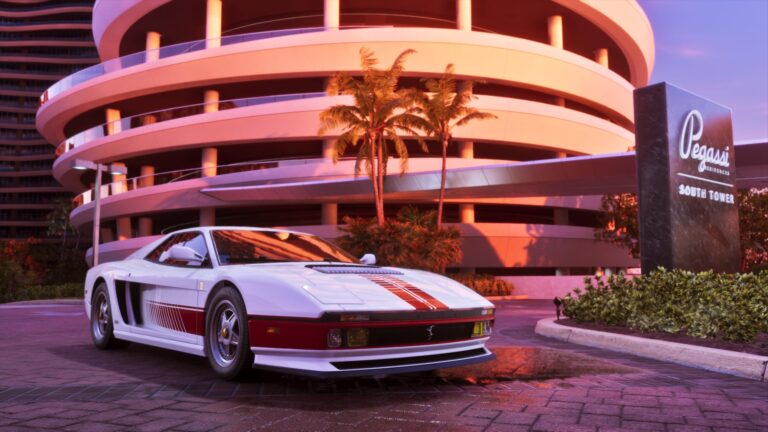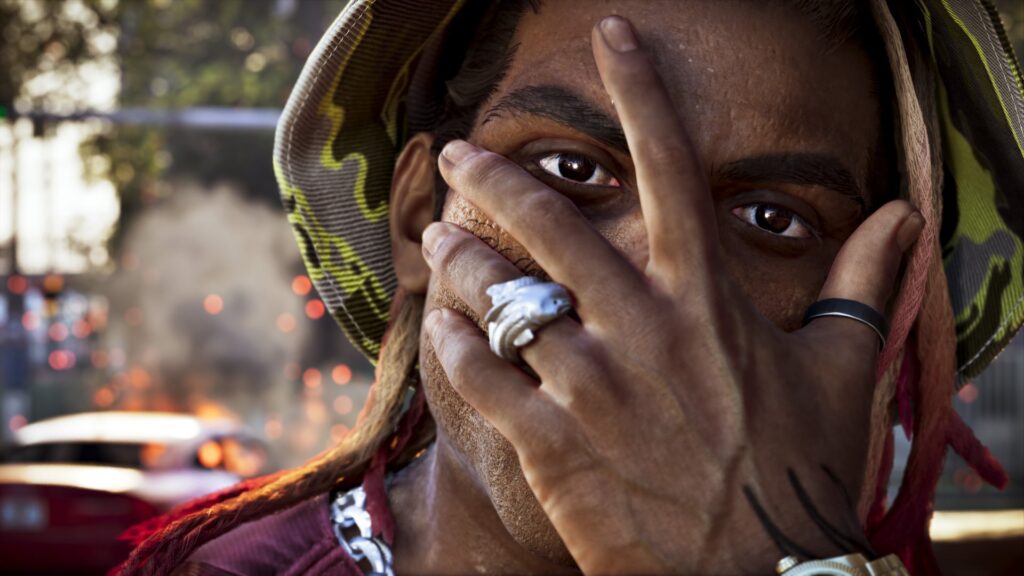
You may not need a new console to visit Vice City. Xbox has enabled GTA 6 streaming, allowing owners of the older Xbox One to play. You will still need a digital copy of the game and access to Xbox Cloud Gaming.
Getting started on Xbox One
Find GTA 6 in the console’s Xbox Store. With the purchase and streaming access in place, choose the cloud play option. Rather than installing the game locally, the service sends video from a remote server while your controller inputs travel in the opposite direction.
What about graphics?
The cloud version uses Xbox Series S graphics settings. This does not turn an Xbox One into a console capable of running GTA 6 locally at Series X quality. Your network also affects the experience. Try a wired connection if you encounter interruptions or noticeable delay.
Remote Play is different
If you already own a Series X or S with GTA 6 installed, you can stream from your own console to another device. That is useful when someone else is using the television and you want to continue on a laptop or phone.
Enable remote features in your console’s Devices & connections settings, then connect through Xbox’s Remote Play service on a compatible device.
Is this a PC release?
No. Streaming on a computer is not the same as installing a native PC version. You are still playing the console game over a network. Rockstar has yet to announce a date for a conventional PC release.
Who should consider streaming?
It is worth exploring if you own an older Xbox and would rather not upgrade yet. If you already have a current-generation console and sufficient storage, installing locally is usually the simplest option. Check local prices, available playtime and conditions before buying additional streaming time.